 Mechanical 3D
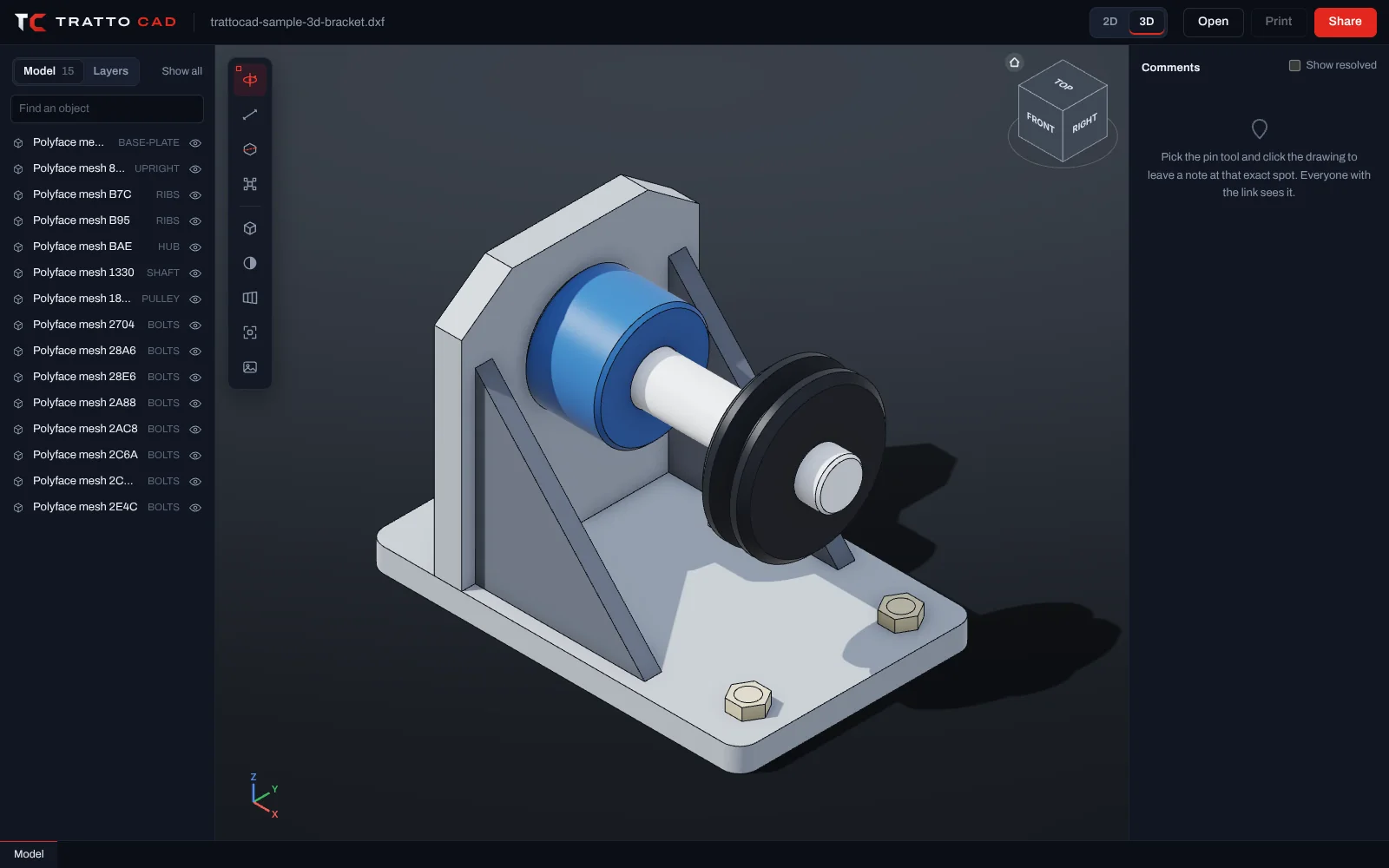
Shaft bracket with pulley, 3D
A 3D assembly: drilled base plate, upright with a bore, ribs, hub, shaft, V-belt pulley and bolts. Measure the holes, cut it, explode it.
Drawings with 3D solids, surfaces and meshes open in 3D. Orbit around them, slice them with a section plane and measure between any two points, on a computer or a phone.
Drag to orbit around the point under the cursor and scroll to zoom. Click the ViewCube for any of the 26 standard views: faces, edges and corners, with a smooth transition. Studio light with soft shadows and ambient occlusion shows the shape at a glance.
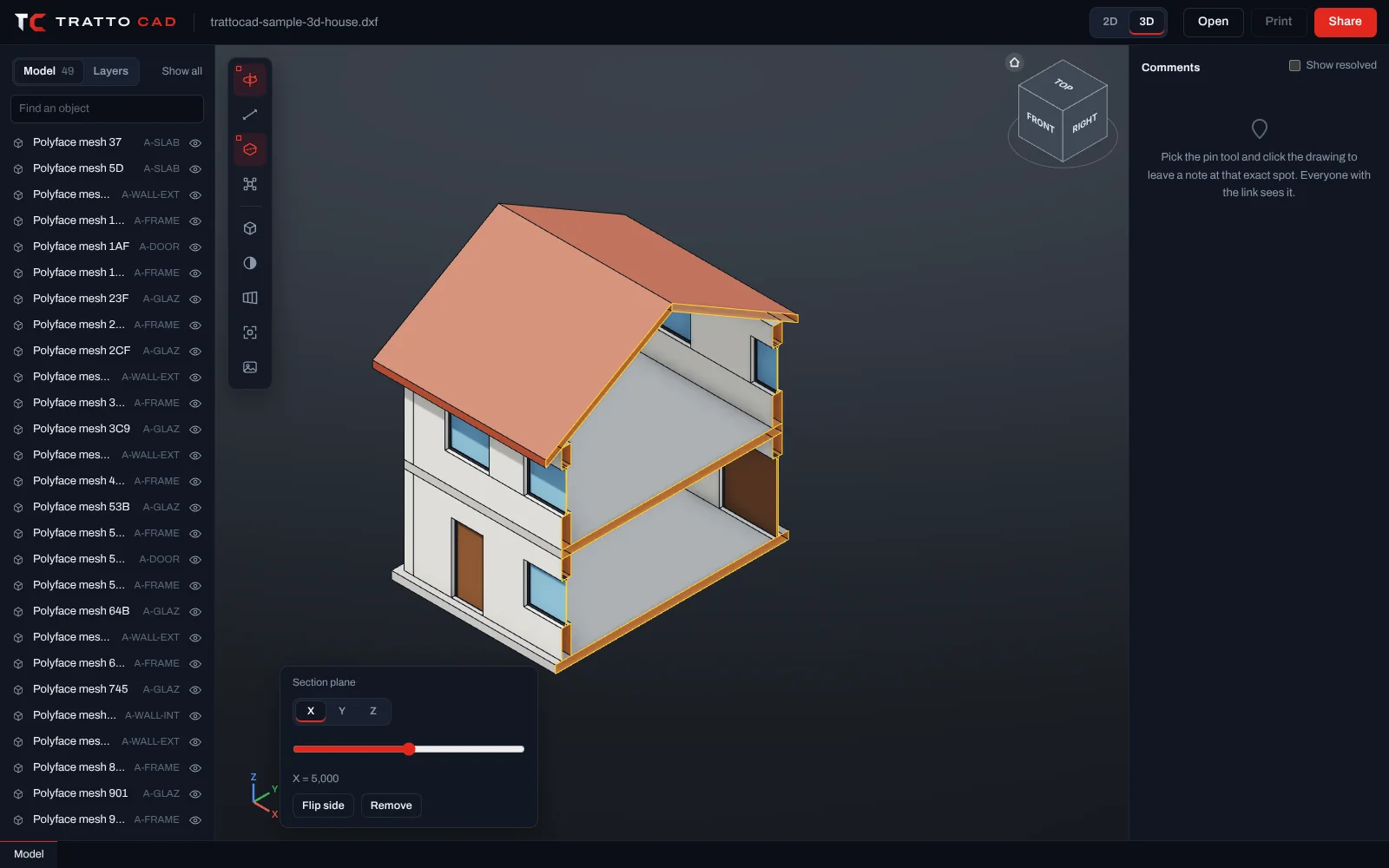
Slice the model along X, Y or Z and slide the plane through it. The cut outline is drawn in yellow and the inside faces show in a warm colour, so walls and holes are easy to read.
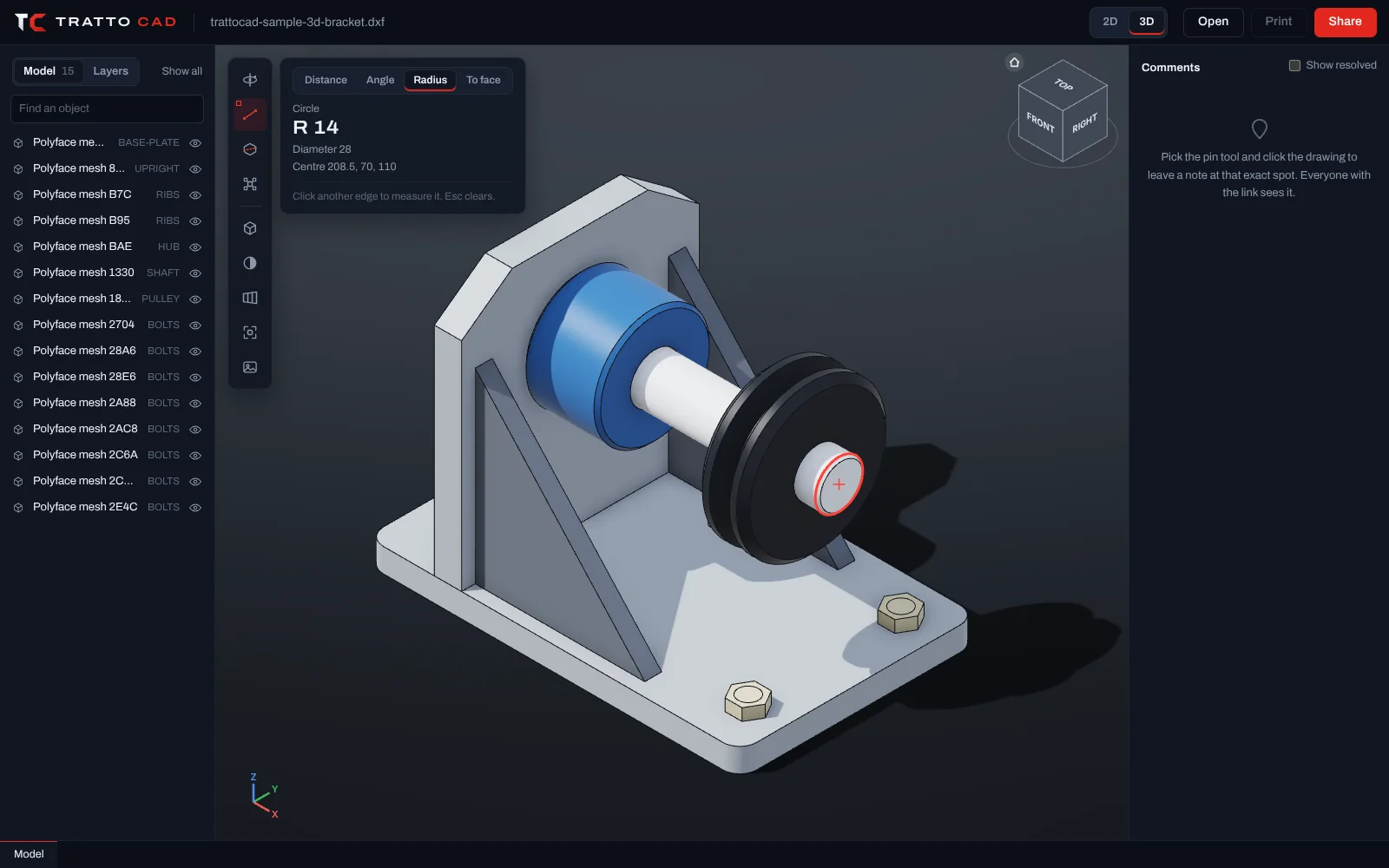
Distances, angles, the radius and diameter of any hole or shaft, and the distance from a point to a face. Points snap to ends, middles and the centres of circles. Values are in the drawing's own coordinates.
 Mechanical 3D
A 3D assembly: drilled base plate, upright with a bore, ribs, hub, shaft, V-belt pulley and bolts. Measure the holes, cut it, explode it.
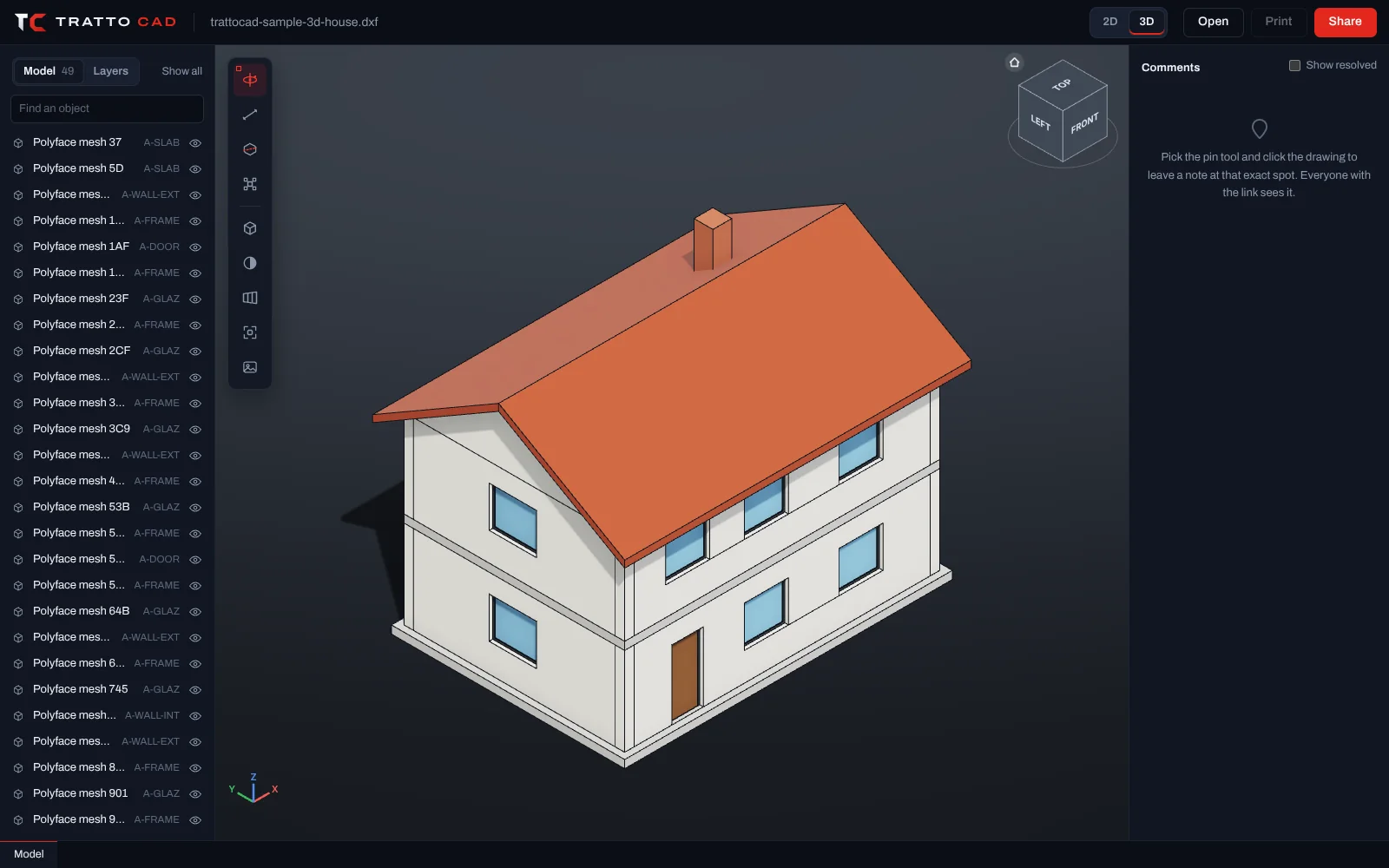
Architecture 3DA 10 by 7 m house with slabs, walls with openings, windows, doors, a pitched roof and a chimney, on architectural layers.
3 and 2 switch between the 3D model and the drawing. D measures, S opens the section plane, E explodes the model, H hides and I isolates the selected part, V switches perspective, B the background, Z fits the model and Esc clears.
Drawings with 3D solids, regions, bodies, surfaces, meshes, polyface meshes or 3D faces open in 3D straight away. Drawings with only lines in space, like contour lines at their heights, open as a drawing and the 3D view is one click away.
The model is prepared on our servers from the geometry stored in the file. Volumes, areas and centroids of solids are calculated there from the exact shape, not from the triangles shown on screen.
Not yet. Viewing, measuring and sharing are free today; editing comes with TrattoCAD Pro.
Free, with no account and nothing to install. Drop a .DWG or .DXF and it is on screen in seconds.