See what changed. Find what you need.
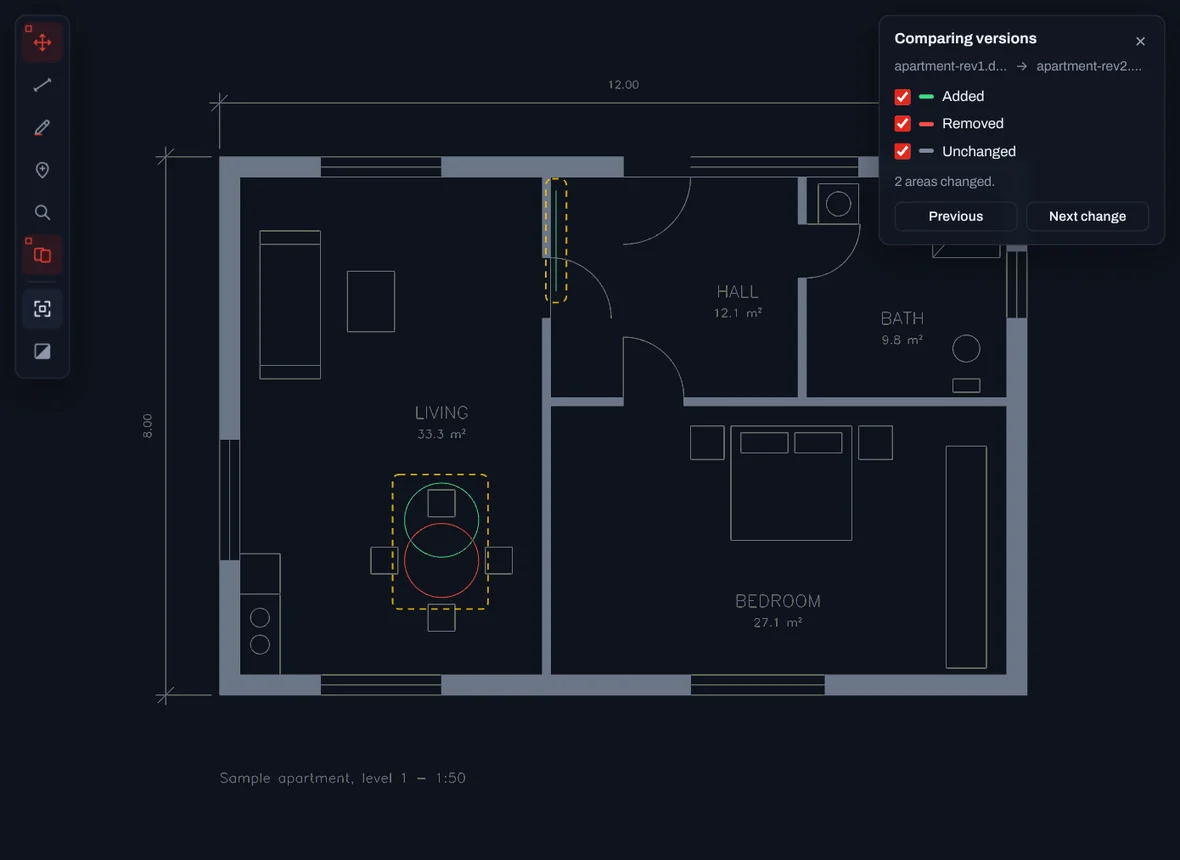
Open the new version of a drawing over the old one: what was added shows in green, what was removed in red, and the rest stays grey.
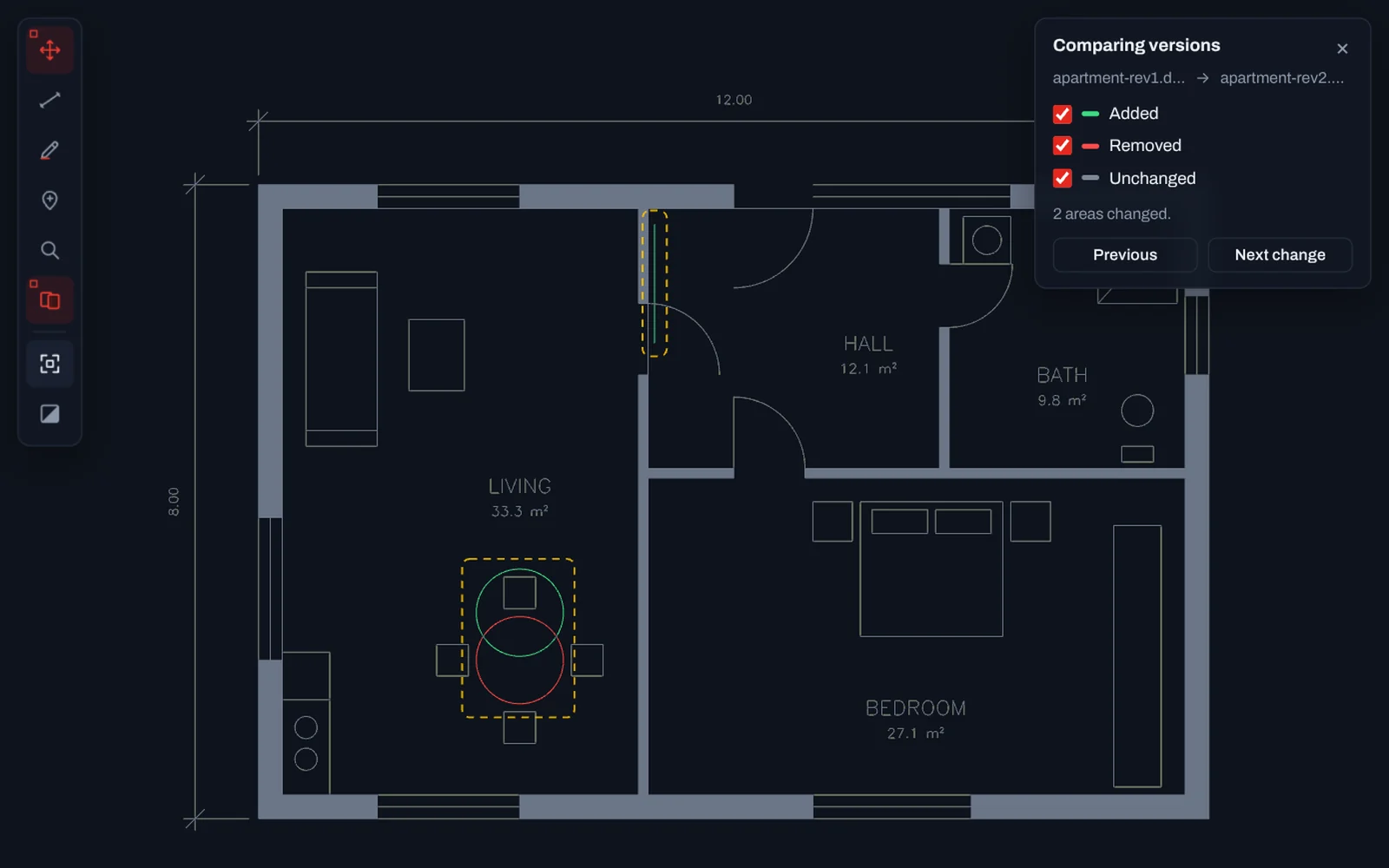
Compare versions
Choose the other version from your computer. TrattoCAD lays one over the other, frames every area that changed and takes you from one change to the next.
- Added in green, removed in red, unchanged in grey
- A frame around each changed area, with next and previous
- Share the comparison: the link opens both versions
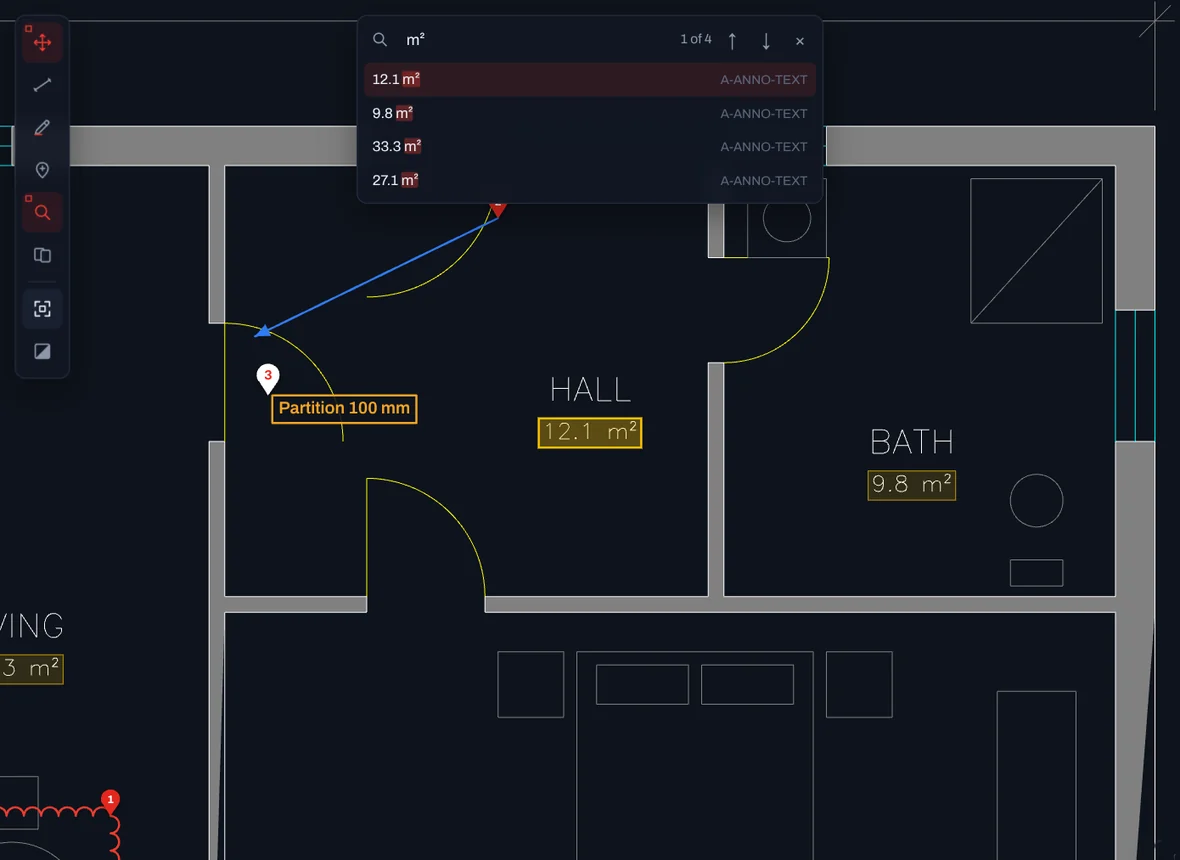
Find any text
Press Ctrl+F and type. Every room name, label, note and title block field that matches is listed and highlighted, and Enter jumps to the next one.
- Matches highlighted on the drawing
- Accents and capitals do not matter
- Only the layers you see are searched
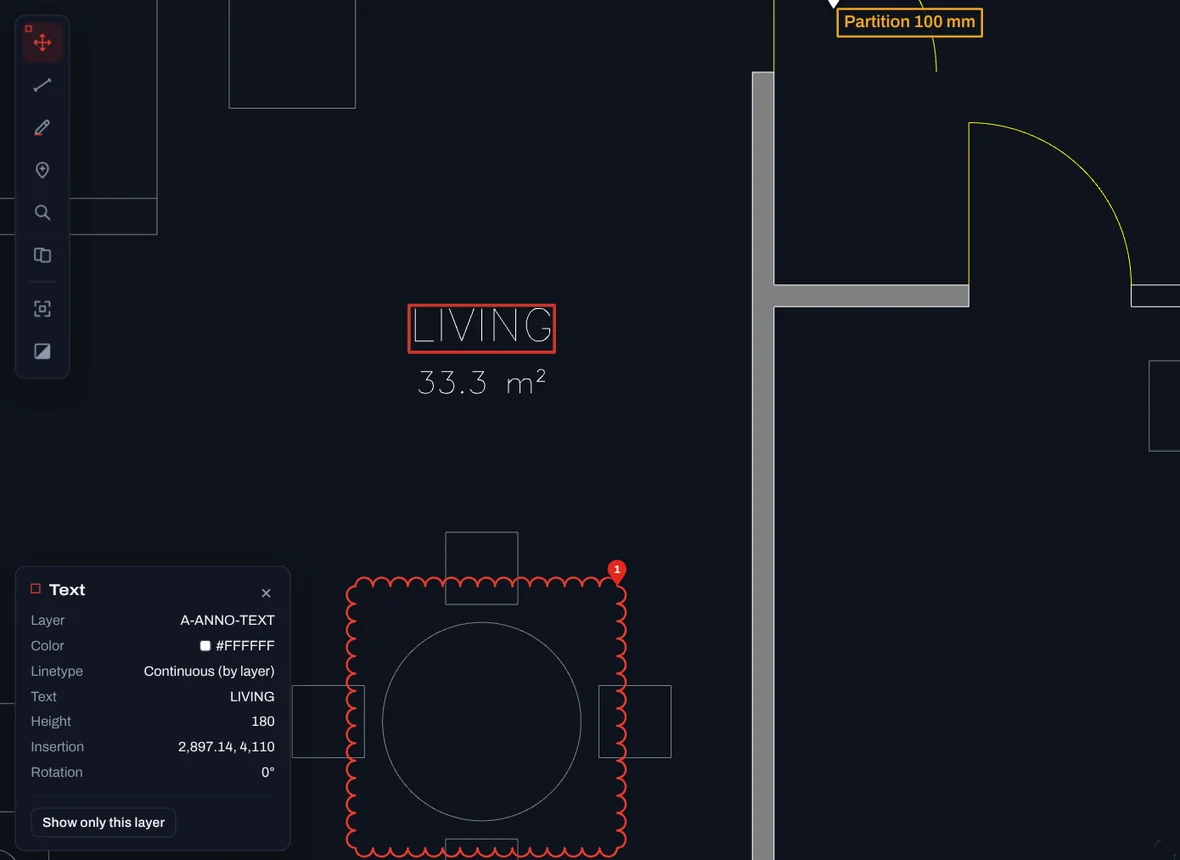
Full properties
Click any object to read its layer, colour, linetype and geometry. Texts show their insertion point, rotation and width factor, hatches their fill and area. Click a value to copy it.
- Colour and linetype, with by-layer shown
- Hatch area calculated on the server
- Click a value to copy it
Open your first drawing now.
Free, with no account and nothing to install. Drop a .DWG or .DXF and it is on screen in seconds.