Send a link. Get feedback on the drawing.
Share any drawing with a private link. Whoever opens it can pin notes, draw markups, reply and mark them resolved.
Notes where they belong
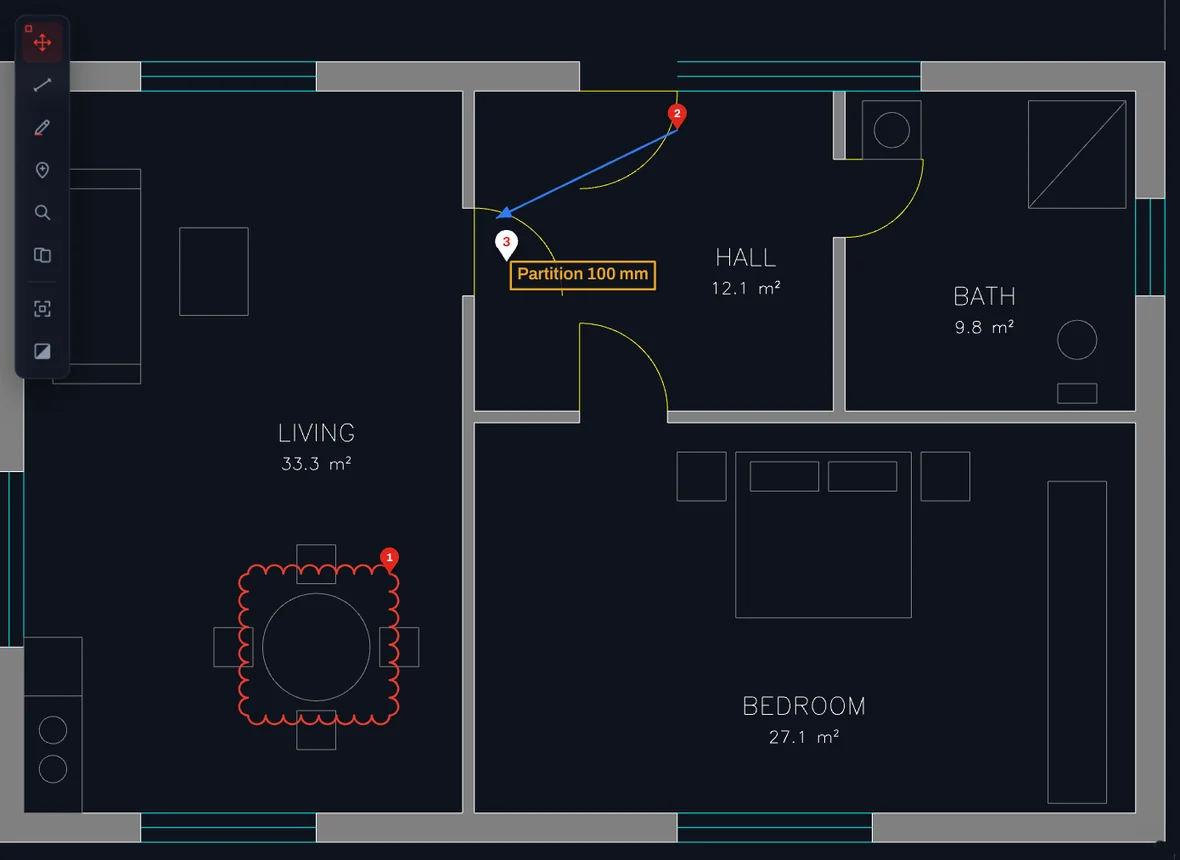
Pick the pin tool and click the drawing. The note stays at that point, at every zoom, and opens right on the drawing when someone clicks it.
- Numbered pins on the drawing
- Replies in a thread
- Resolve when it is done, show resolved when you need them

Markups that everyone sees
Draw on the drawing with a pen, an arrow, a box, an ellipse or a revision cloud, or write a short text. Each markup becomes a thread, so the discussion stays with it.
- Six markup tools in five colours
- Markups stay in place at every zoom
- Click a thread to jump to its markup
Nothing to install for the people you share with
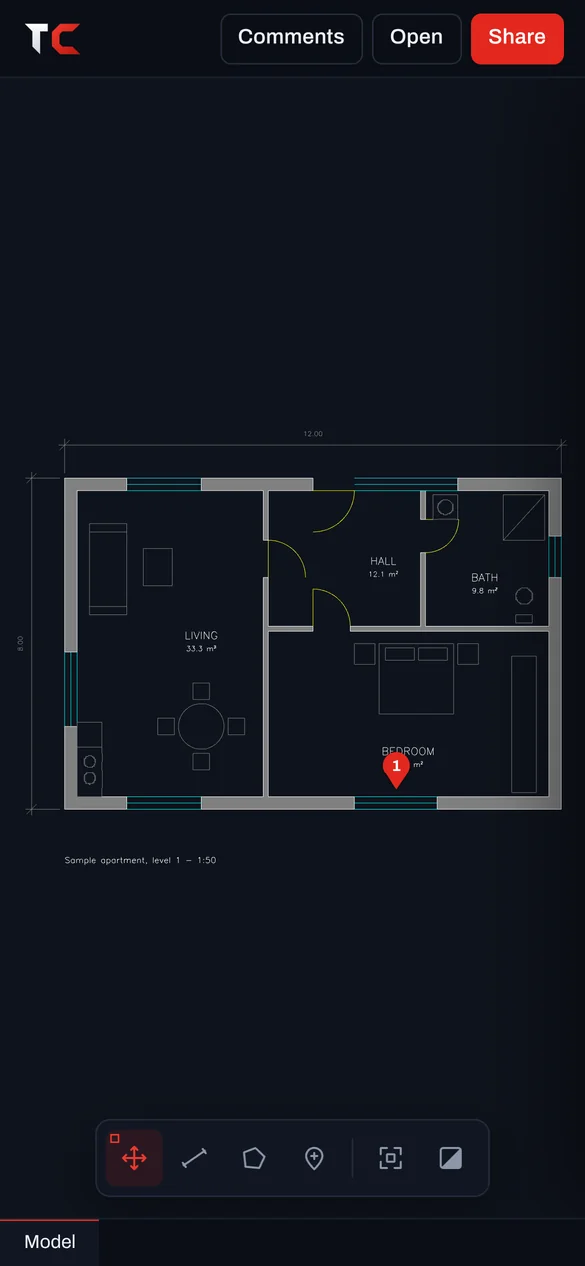
They open the link in any browser, on a computer, tablet or phone. No account, no plug-in, no viewer to download.
- The link opens the drawing directly
- Comments update for everyone
- You can delete the drawing at any time
Share in three steps
Open the drawing
Drop the .DWG or .DXF on TrattoCAD.
Copy the link
Press Share and copy the private link.
Send it
By email, chat or text. They comment right on the drawing.
Open your first drawing now.
Free, with no account and nothing to install. Drop a .DWG or .DXF and it is on screen in seconds.