Open any .DWG in seconds, in any browser
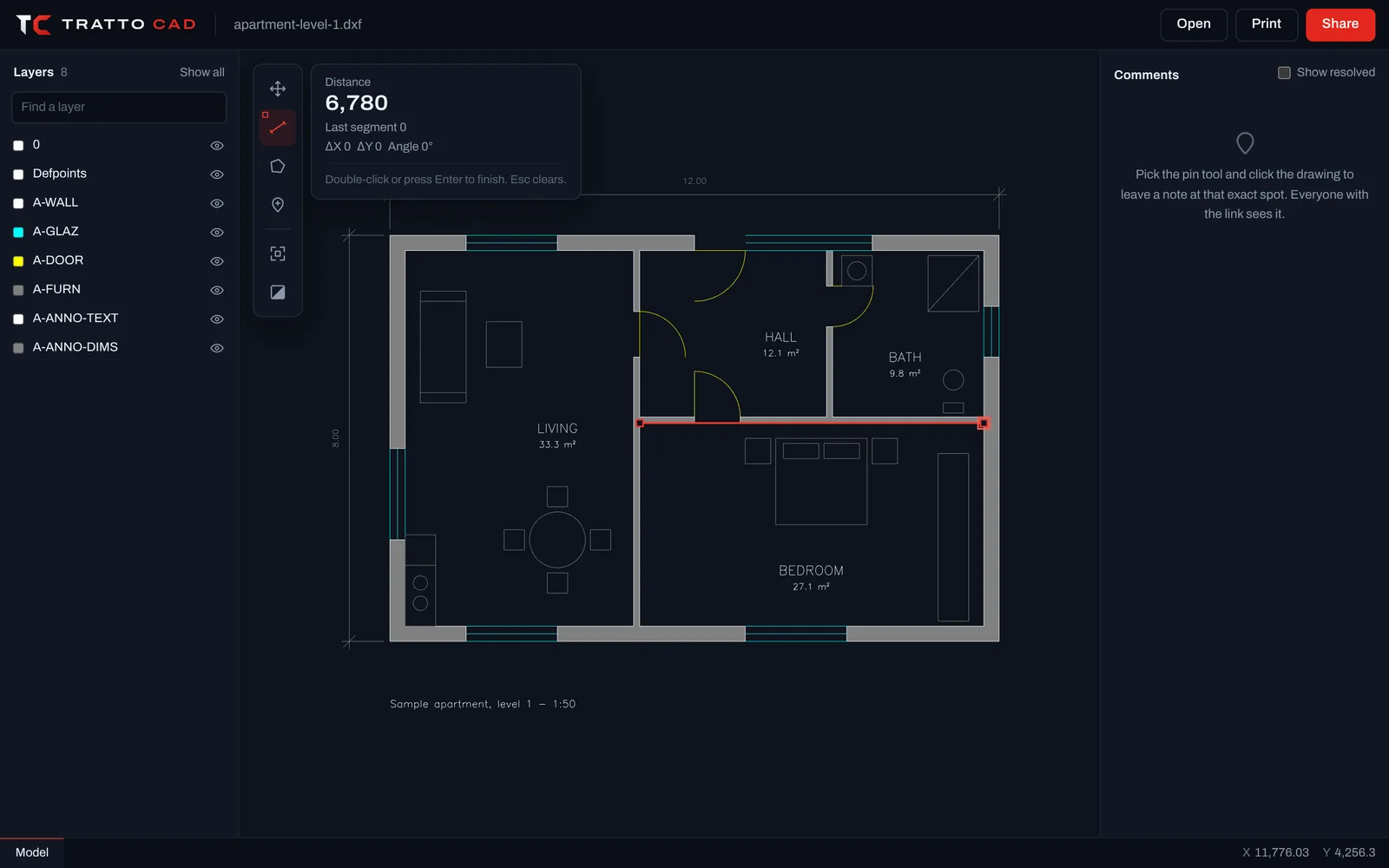
Drop the file on the page. TrattoCAD reads it on our servers and shows it straight away, ready to pan, zoom and measure.
Opens the way it was drawn
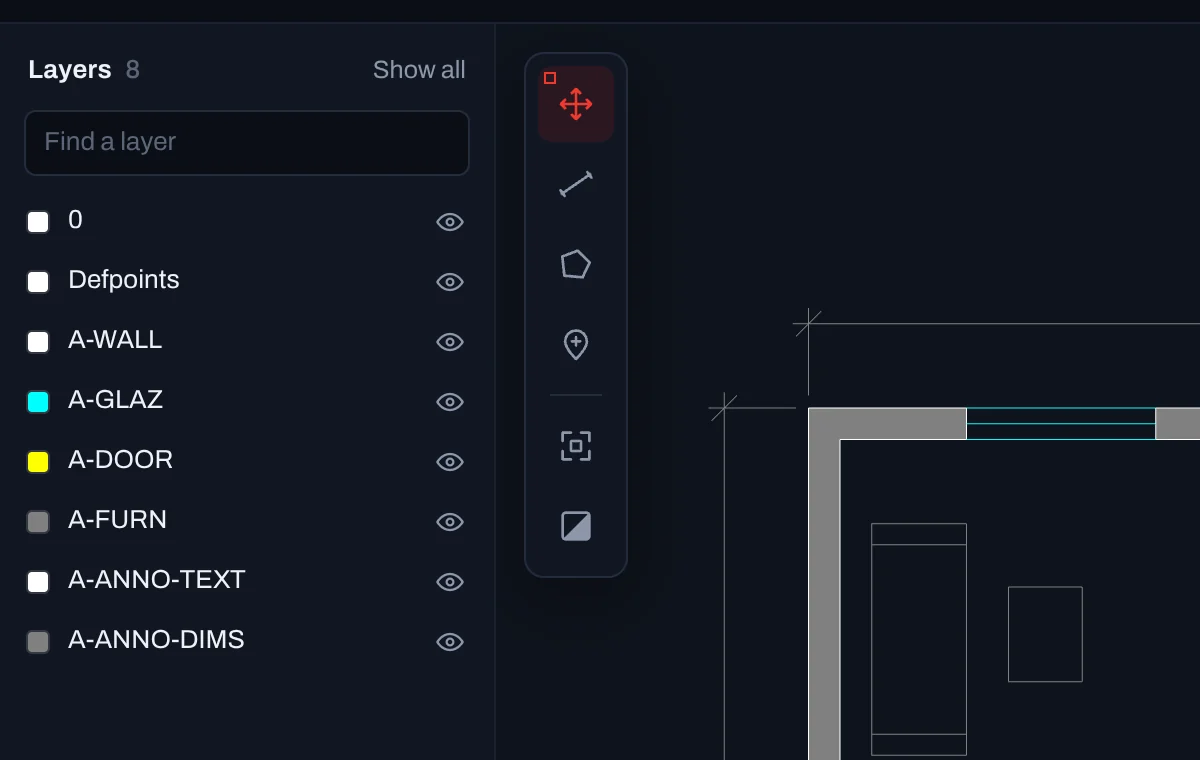
TrattoCAD opens the view AutoCAD would open, with the drawing's own colours, line types, hatches and text. Model space and every layout are one click away.
- .DWG from R13 to the current format, and .DXF
- Hatches, text, dimensions, blocks and layouts
- Dark or paper background
Fast, even on big drawings
The drawing is prepared on the server and sent to your browser in pieces. Only what is on screen is drawn, at the detail the zoom needs, so it stays fluid on a phone.
- Detail loads as you zoom
- Smooth pan and pinch on touch screens
- Fit the whole drawing with one key
How to open a drawing
Choose the file
Click Open a drawing, or drag the .DWG or .DXF onto the page.
Wait a few seconds
It is uploaded privately and prepared on our servers.
Explore it
Scroll to zoom, drag to pan, press Z to fit the whole drawing.
How large can the file be?
Up to 95 MB per file. Most drawings are far smaller.
Why does the file go to a server?
Reading .DWG well takes a lot of work. Doing it on our servers means the drawing opens quickly on any device, including phones, and the people you share it with do not need to download it.
Can I open older drawings?
.DWG files from AutoCAD R13 (1994) onwards. Files from R12 and earlier are not supported yet. See supported formats.
Open your first drawing now.
Free, with no account and nothing to install. Drop a .DWG or .DXF and it is on screen in seconds.