Free
From PDF to DWG, with the drawing still alive
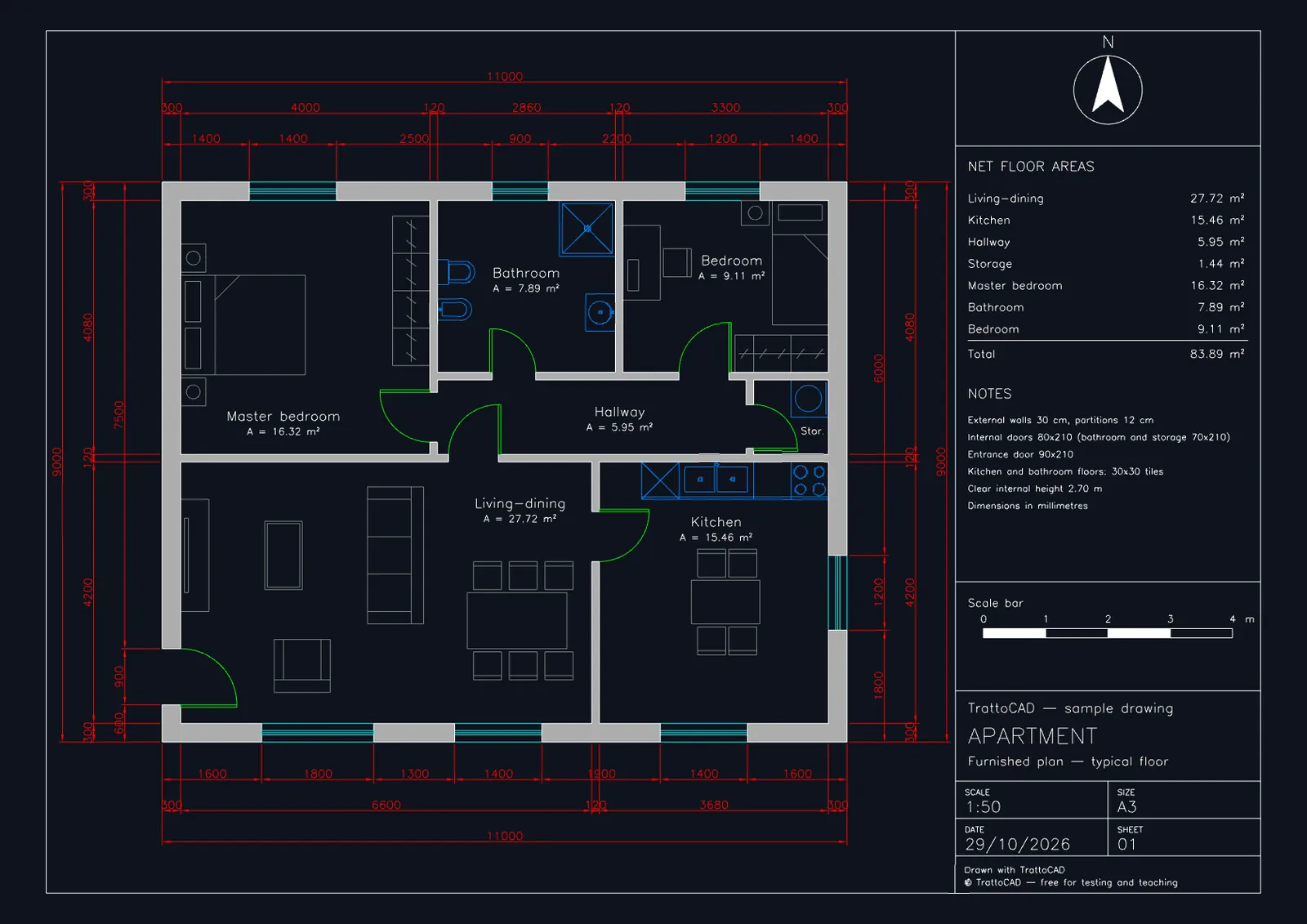
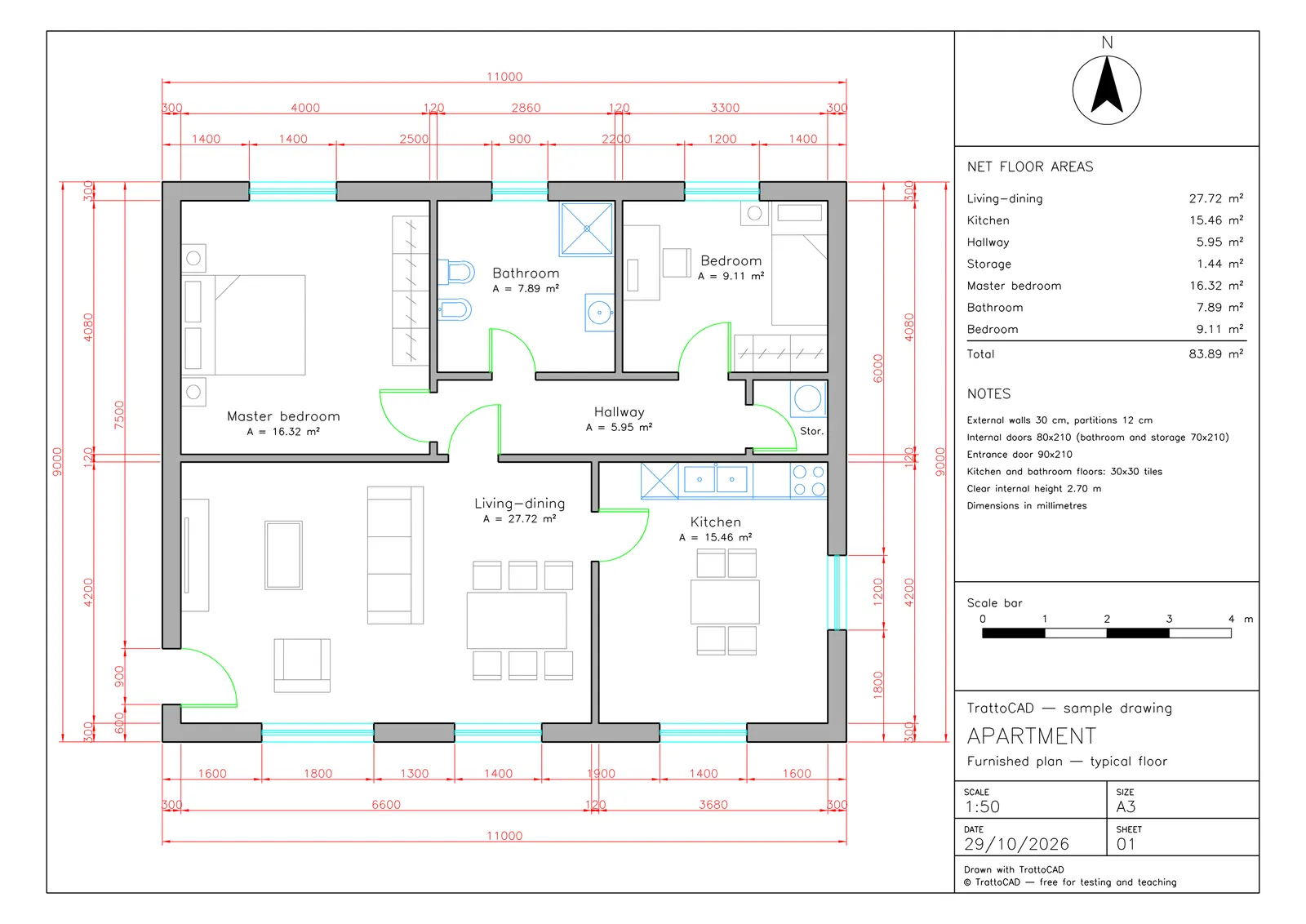
Open a PDF like a drawing. Vector pages come back as a real .DWG: lines, text, dimensions, blocks, line types and layers, at the scale read from the dimensions. Choose the page, and download it as a .DWG.
Text and dimensions that are real
Text comes back as text you can search and edit. Dimensions come back as dimensions, with their measurement, not as loose lines and numbers. The scale is read from the dimensions, so the drawing has its real size.
- Text from the PDF and text drawn as strokes
- Dimensions with their measurement
- Scale read from the dimensions

Blocks, line types and layers
Repeated symbols become blocks with their inserts, dashed lines get a line type, and lines are sorted into layers by colour and line weight. Solid fills come back as solid hatches; patterned hatches are still being improved.
- Blocks with inserts
- Solid fills as solid hatches
- Layers by colour and line weight

Scanned pages too
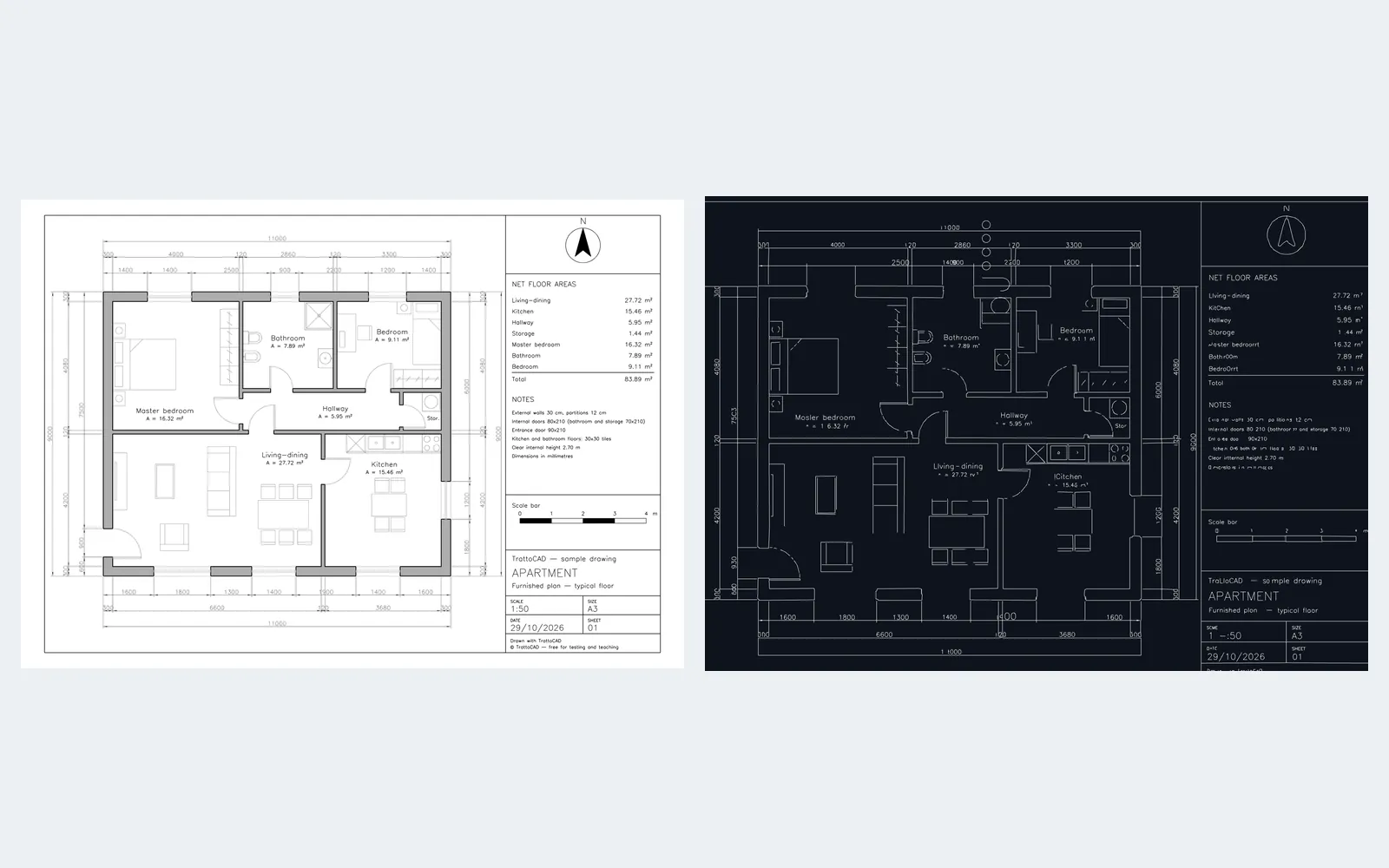
A page that is only a picture becomes lines and text, read by our own text recognition. It works best on clean scans of drawings with dimensions.
- Lines from the picture
- Text read from the picture
- Scale from the dimensions, when the page has them
Choose the page
In a PDF with several sheets you choose the page to open. The page you open downloads as a .DWG, with nothing to fix first.
Still a .DWG
The page you download is a normal .DWG that any CAD program opens. With Pro you can also edit it online.
Share and comment
The PDF gets a link like any drawing: the people you send it to open it and comment on it, with no account.
Good to know
- A scan without dimensions has no scale to read: the drawing comes out in millimetres of paper.
- Text read from a scan can contain mistakes: check it before you rely on it.
- Files up to 50 MB (Pro: 95 MB).
Questions
Are layers kept?
Most PDFs have no layers of their own, so TrattoCAD makes them: lines are sorted into layers by colour and line weight. Text, dimensions and blocks come back as text, dimensions and blocks.
Do scanned PDFs work?
Yes. A page that is only a picture becomes lines and text, read by our own text recognition. Clean scans work best. Without dimensions on the page the scale cannot be read, so the drawing stays in millimetres of paper.
How big can the PDF be?
Up to 50 MB (Pro: 95 MB).
Open your first PDF now.
Free, with no account and nothing to install. Drop a PDF and the page you choose becomes a .DWG.