PDF to DWG, free, in your browser
Drop a PDF and choose the page: it becomes a .DWG with real text, dimensions, blocks and layers. Scanned pages become lines and text.
Free · No account · Up to 50 MB
What comes back from the PDF
Real text and dimensions
Text you can edit and dimensions that know their measurement.
Layers and blocks
Sorted by colour and line weight, with blocks for repeated symbols.
Scale from the dimensions
The drawing comes out at its real size, read from the dimensions on the page.
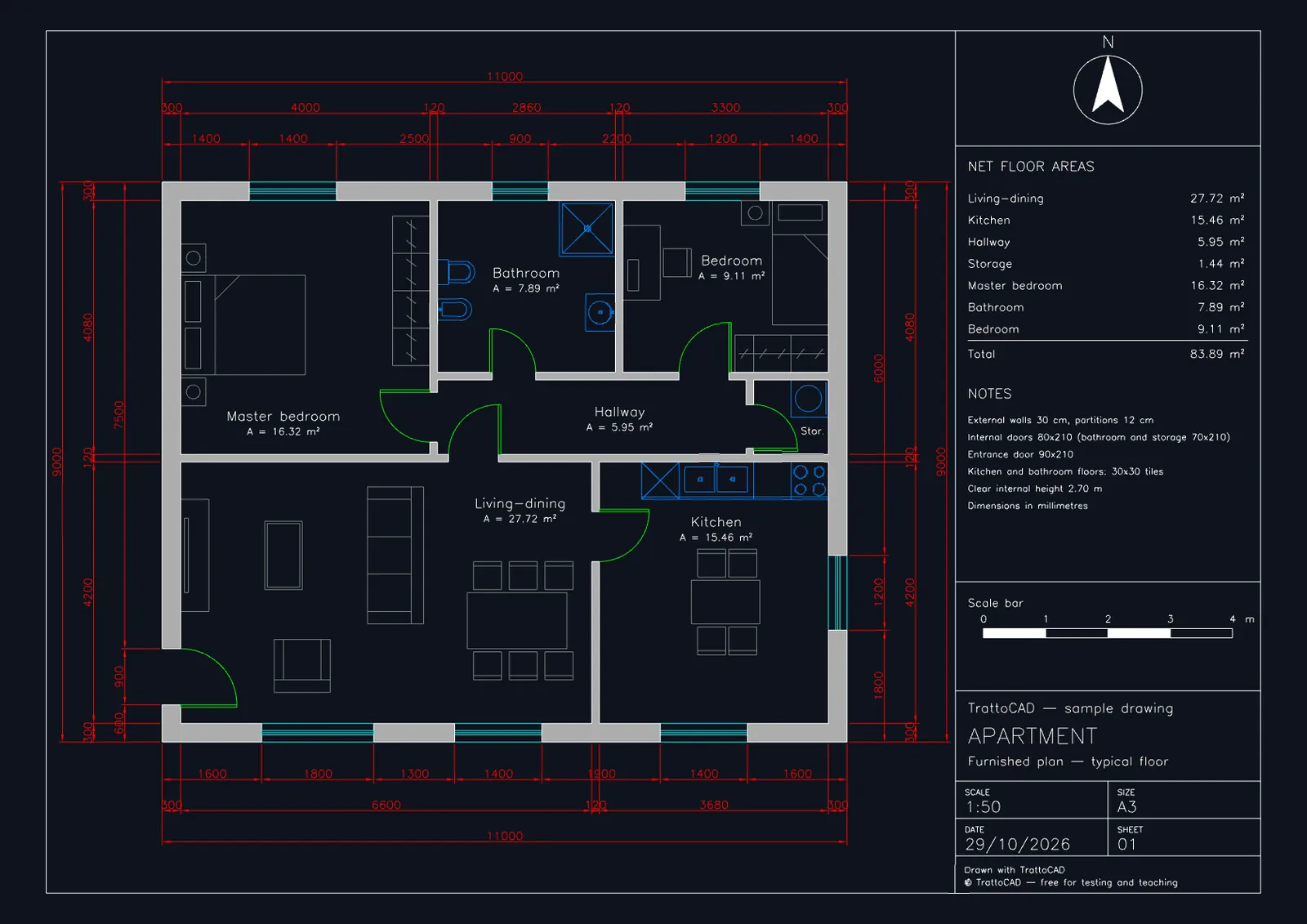
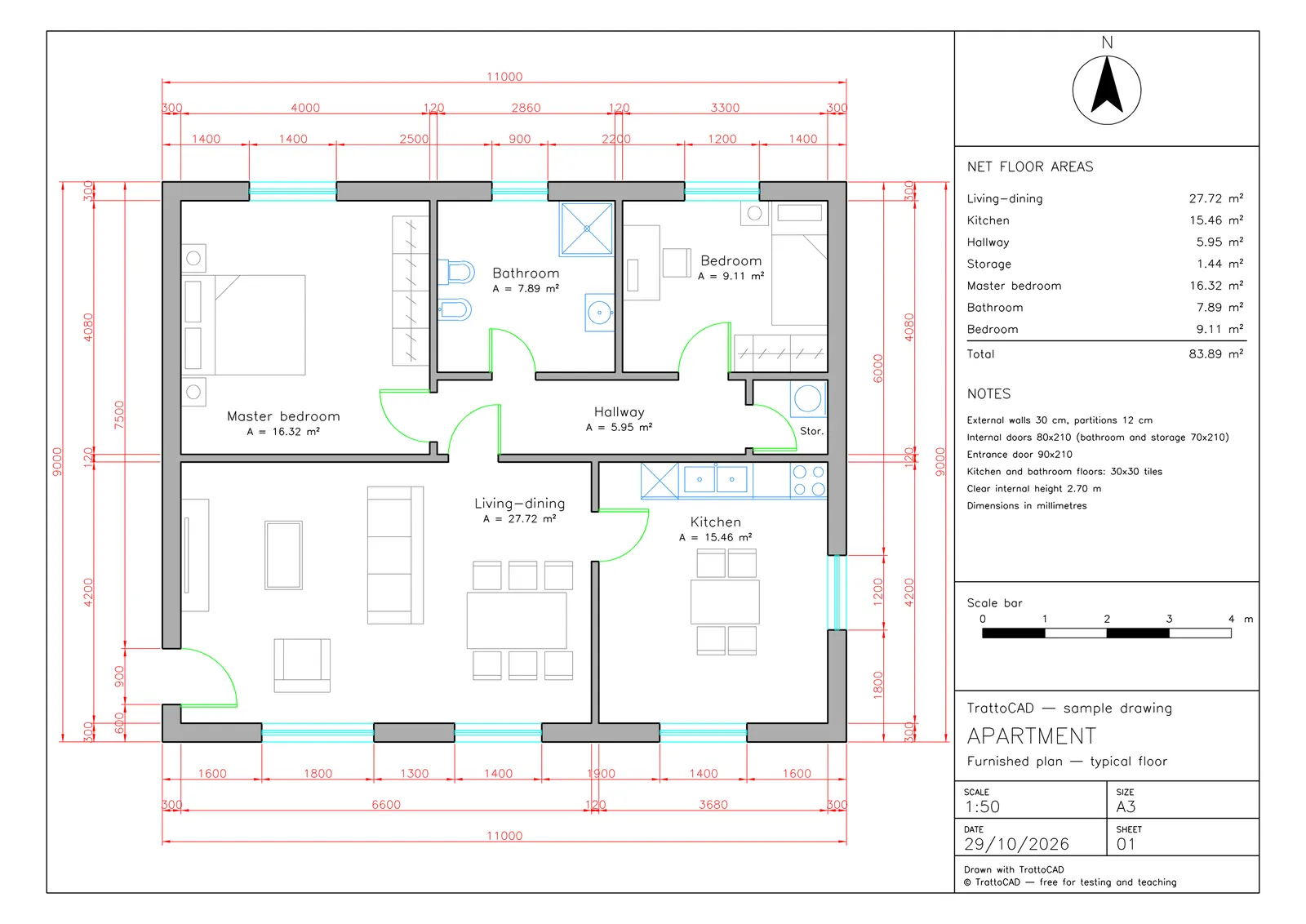
How to turn a PDF into a DWG
- 1
Open the PDF
Drop the PDF on this page. It is read on our server and opens in the viewer.
- 2
Check the drawing
Turn layers on and off, measure, and click a dimension or a text to see what it is.
- 3
Download the .DWG
Download the page you are on as a .DWG.
Questions
Is PDF to DWG free?
Yes. Opening a PDF, looking at its pages, measuring, commenting and downloading the page as a .DWG are free, with no account.
Do I need to install anything?
No. TrattoCAD runs in Chrome, Edge, Firefox and Safari. The drawing is read on our server and only what is on screen is sent to your browser.
Is my PDF private?
The PDF is uploaded and read on our server, so that you can share it with a link and comment on it. It gets a random link that cannot be guessed, you can delete it at any time, and a drawing nobody opens for 30 days is erased automatically.
Uploading…